

Step by step
Prepare a useful issue report
- 1
Record the issue
Write down what you did before the problem, time and the exact message.
- 2
Create the ZIP
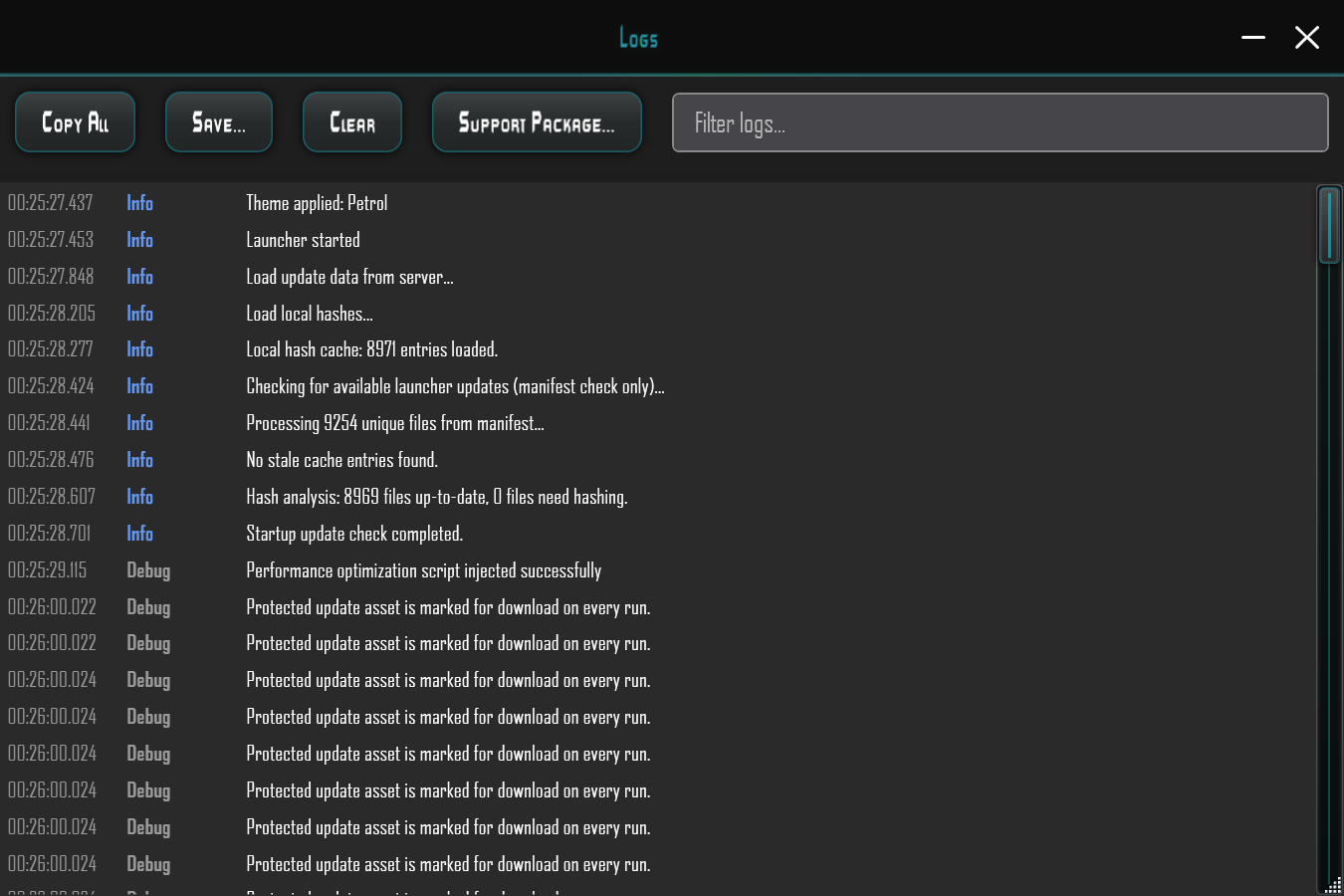
Open Log → Support Package.... The launcher creates CrossfireSupport_YYYYMMDD_HHMMSS.zip.
- 3
Review the contents
Review diagnostic information before sharing. This package is not an account backup.
- 4
Report in the support forum
Complete the report template on the help page and attach the ZIP to your post in the official support forum.
Create the ZIP
In the launcher, open Log → Support Package.... The launcher creates a ZIP named CrossfireSupport_YYYYMMDD_HHMMSS.zip.
If the launcher cannot start at all, explain this in your report. Include existing logs and the exact error message when available. This website does not create or read these files.
What the package may contain
launcher.log and launcher.log.old when present; up to two of the newest crash dumps; systeminfo.txt with launcher version, OS, .NET/runtime information and paths.
Depending on availability, the package may also contain eventlog.txt with relevant Windows Application events and relevant WER files from Windows Error Reporting.
According to the existing launcher documentation, the package does not intentionally include account data. Review files before sharing: diagnostic information can contain local paths and system details.
Report the issue
Attach the ZIP to your post in the SWAT support forum. Explain what you did before the problem, when it happened and which message you saw. This helps other players and the Crossfire team help you.


