

Step by step
Restore the connection
- 1
Check the connection state
Look for the offline message and check whether your computer has internet access.
- 2
Use Retry
When your connection is available again, use Retry in the launcher.
- 3
Document a persistent issue
Record the message and time and save the relevant log entries for support.
Restore the connection
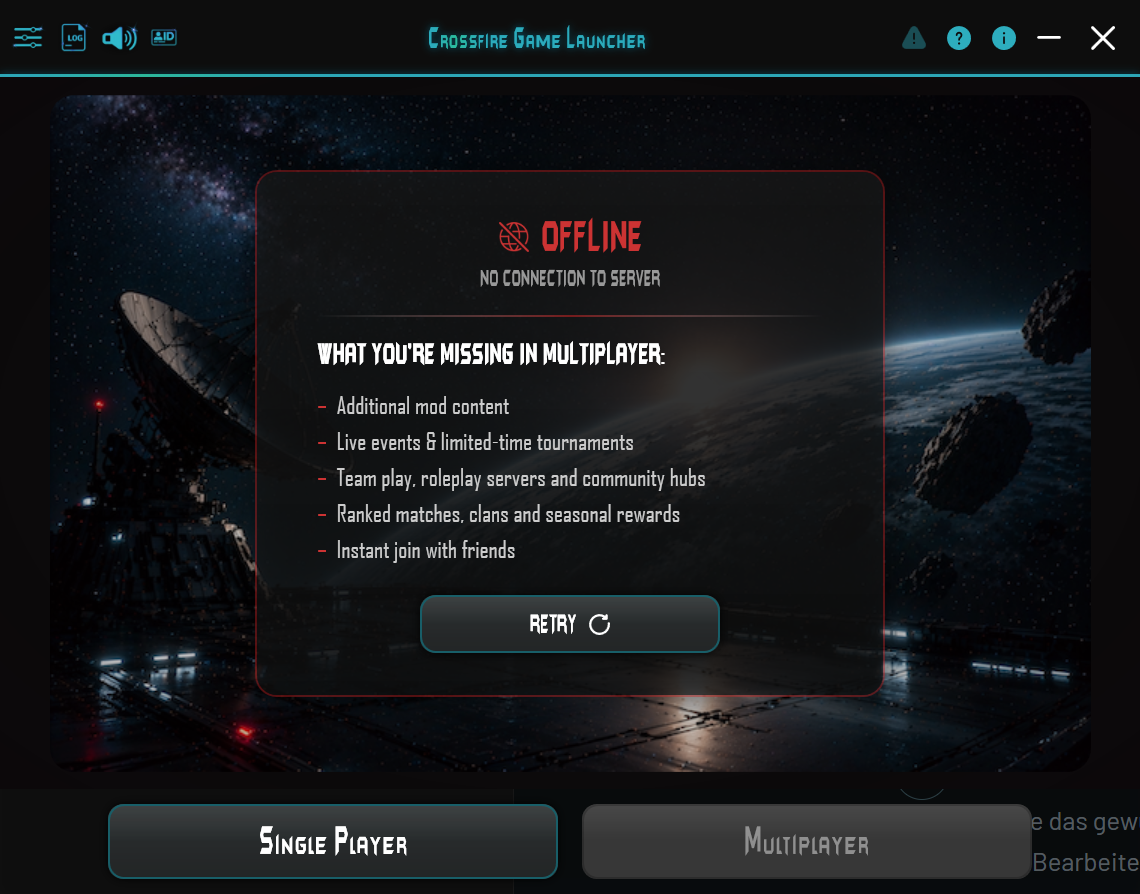
Offline – No connection to server means the launcher has no connection to the server. Check your internet connection. The message alone does not distinguish a local connection issue from an unreachable server.
Retry attempts to reconnect. Use this button when your connection is available again.
In this offline screen, Single Player remains available and Multiplayer is disabled. You do not have to install an offered update to play Single Player.
If it still does not work
Record the exact message and time. Open Log and save the information for support. This website does not display live server status.


